# Can I search interactions?
> Source: https://support.donorview.com/can-i-search-interactions-dv | Updated: 2024-07-22T21:50:12Z
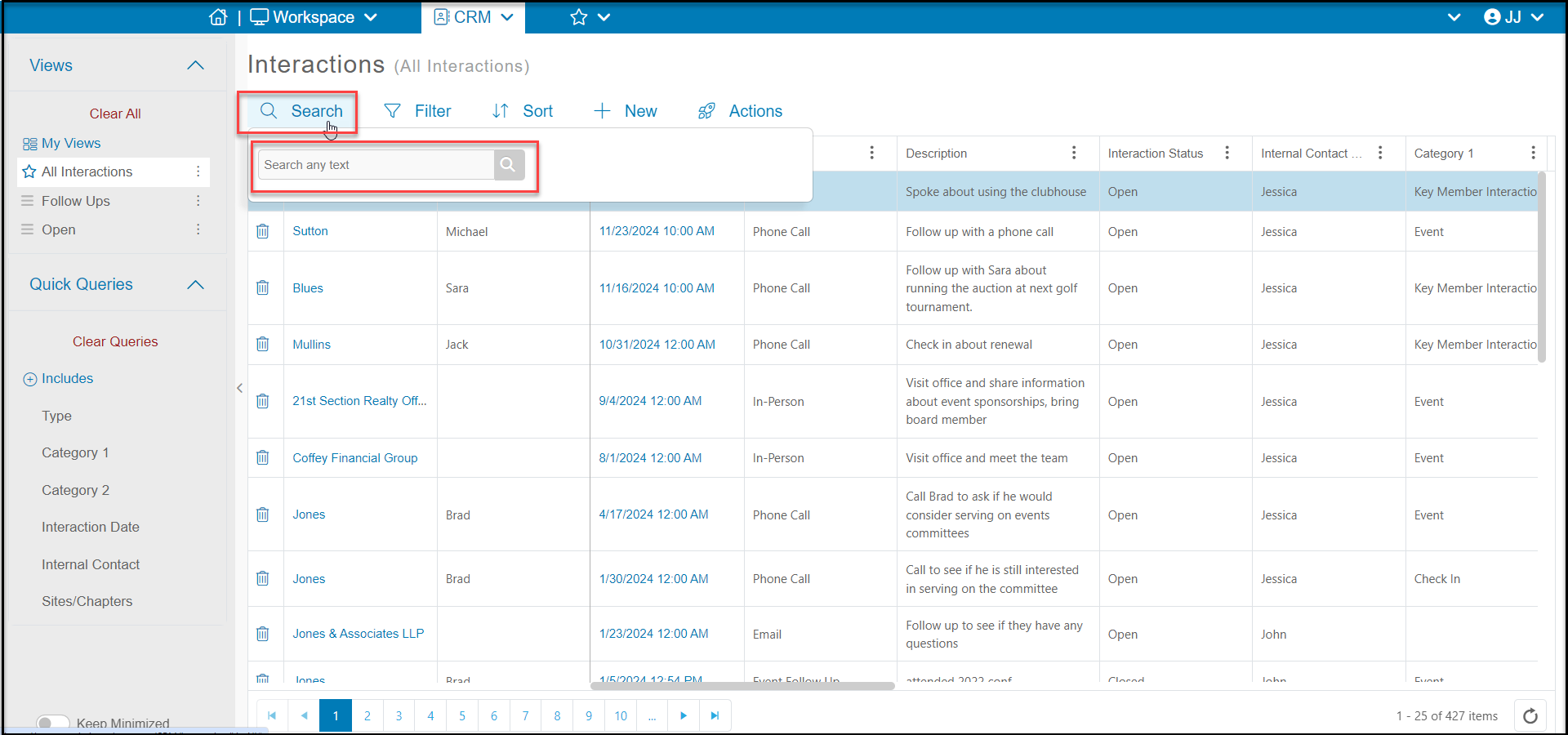
You can search for a specific interaction by clicking on **Search** at the top of the grid and entering any text in the search field. Click on the **Magnifying Glass** icon to initiate the search.
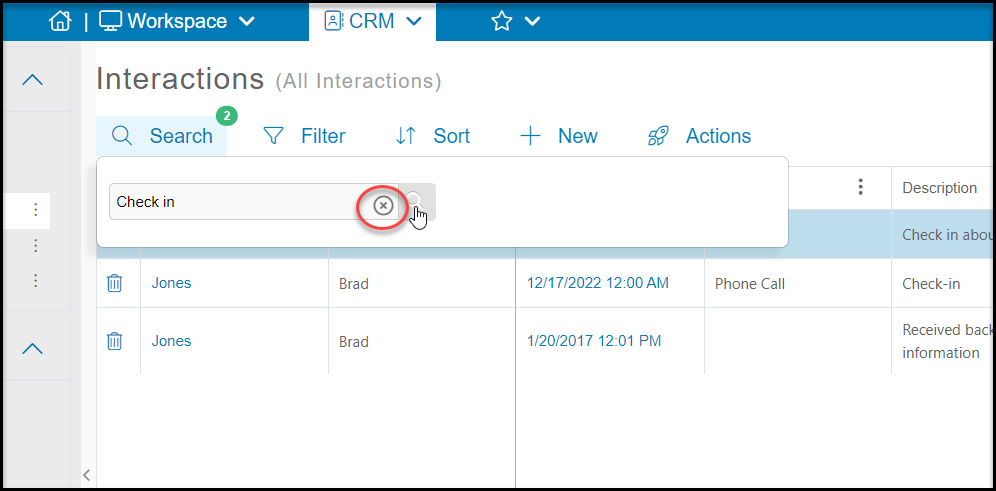
 To clear the search results and return to all records, simply click on the “**X**” that appears next to your search term in the search field.