# Can I limit a user to see only specific event levels?
> Source: https://support.donorview.com/can-i-limit-a-user-to-see-only-specific-event-levels-dv | Updated: 2024-07-23T20:21:00Z
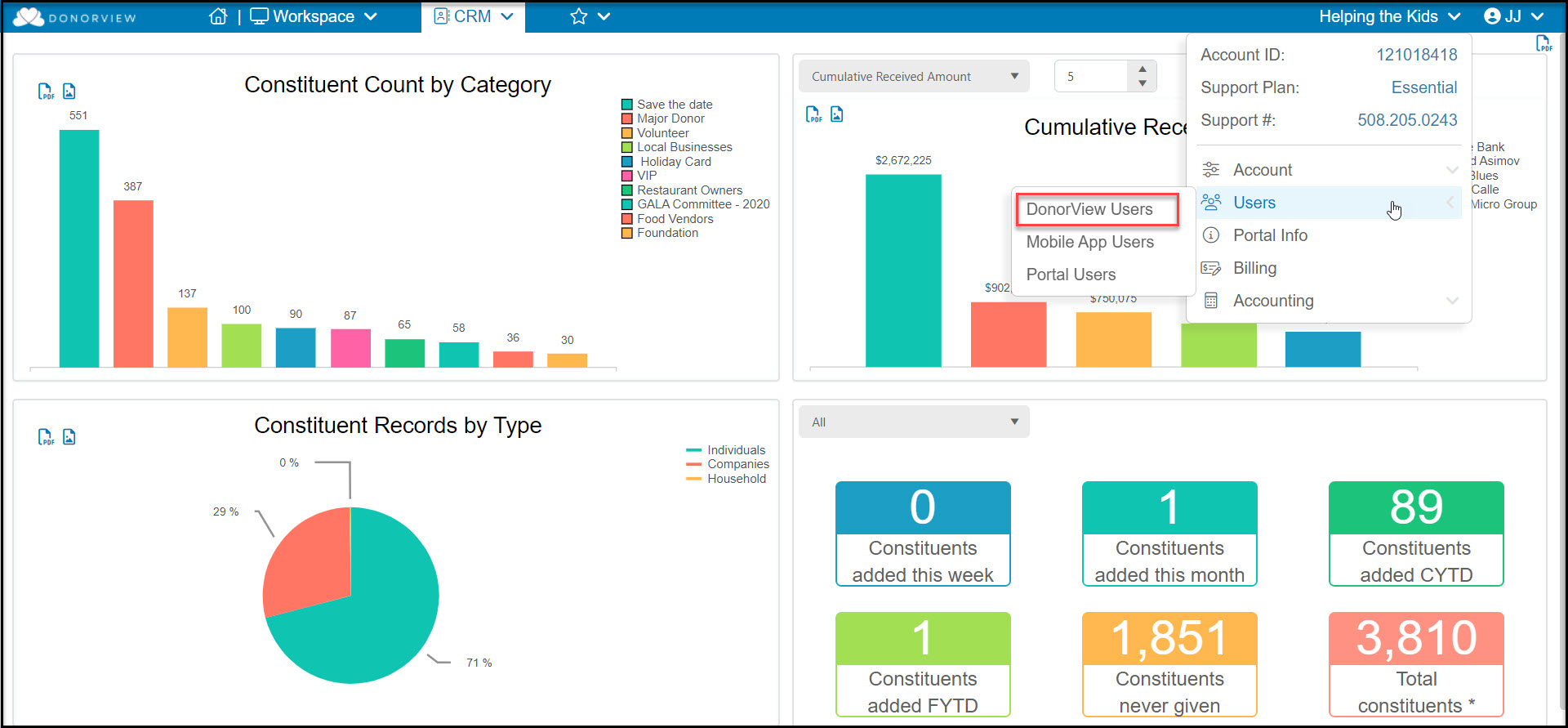
Yes. A DonorView user can have limited access to events by setting their security settings for events to **Attendance Only**. An admin user can assign the security settings for a user in the Users grid. Hover over the organization's name and click on **Users**, then **DonorView users**.
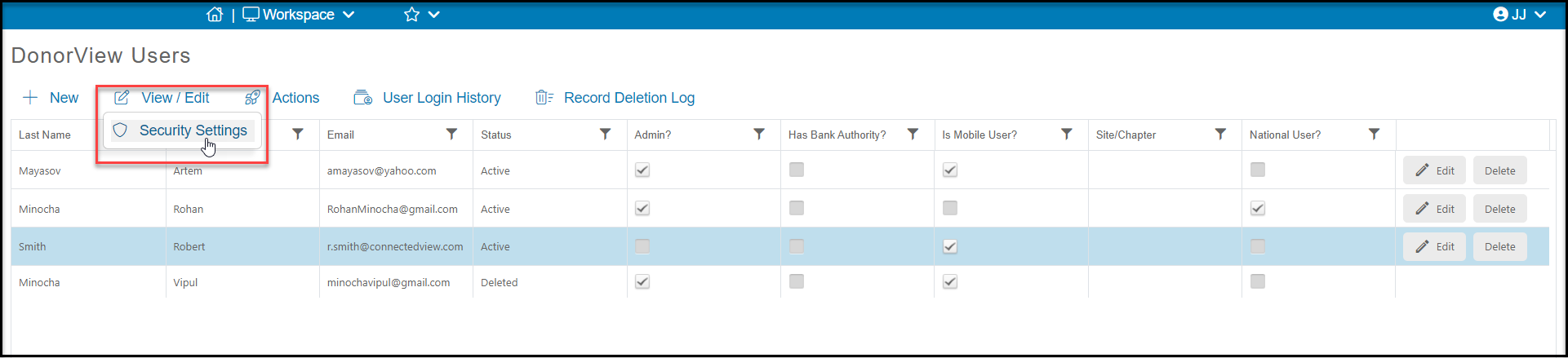
 From this grid, click on the row of the user to modify, then click on **View/Edit**, then **Security Settings**.
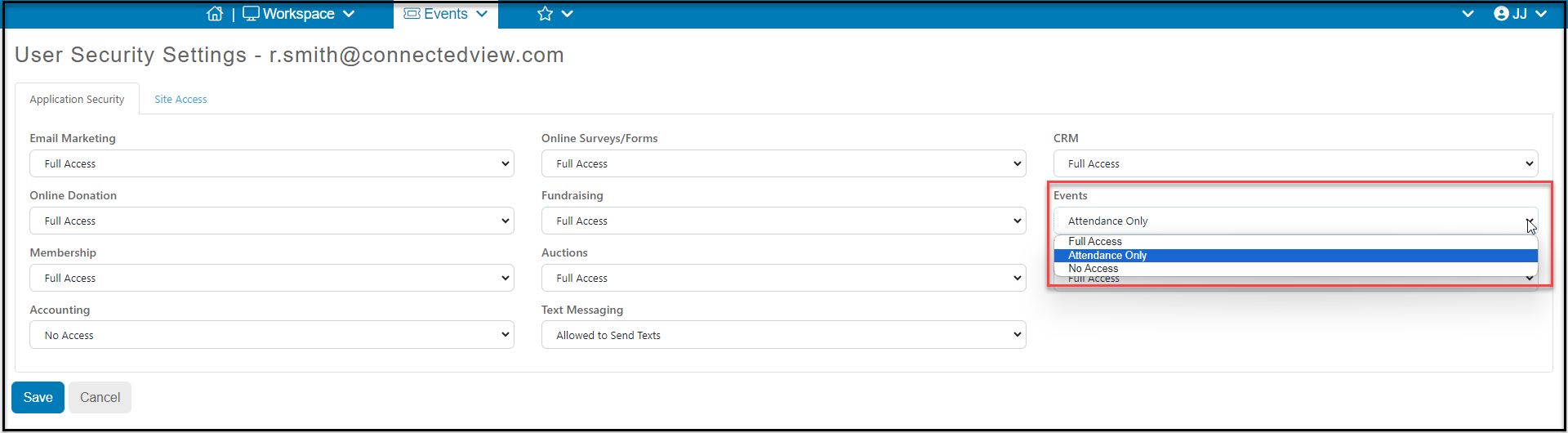
 Under Events, select **Attendance Only**. Click **Save** to save your changes or **Cancel** to return to the previous screen without saving.
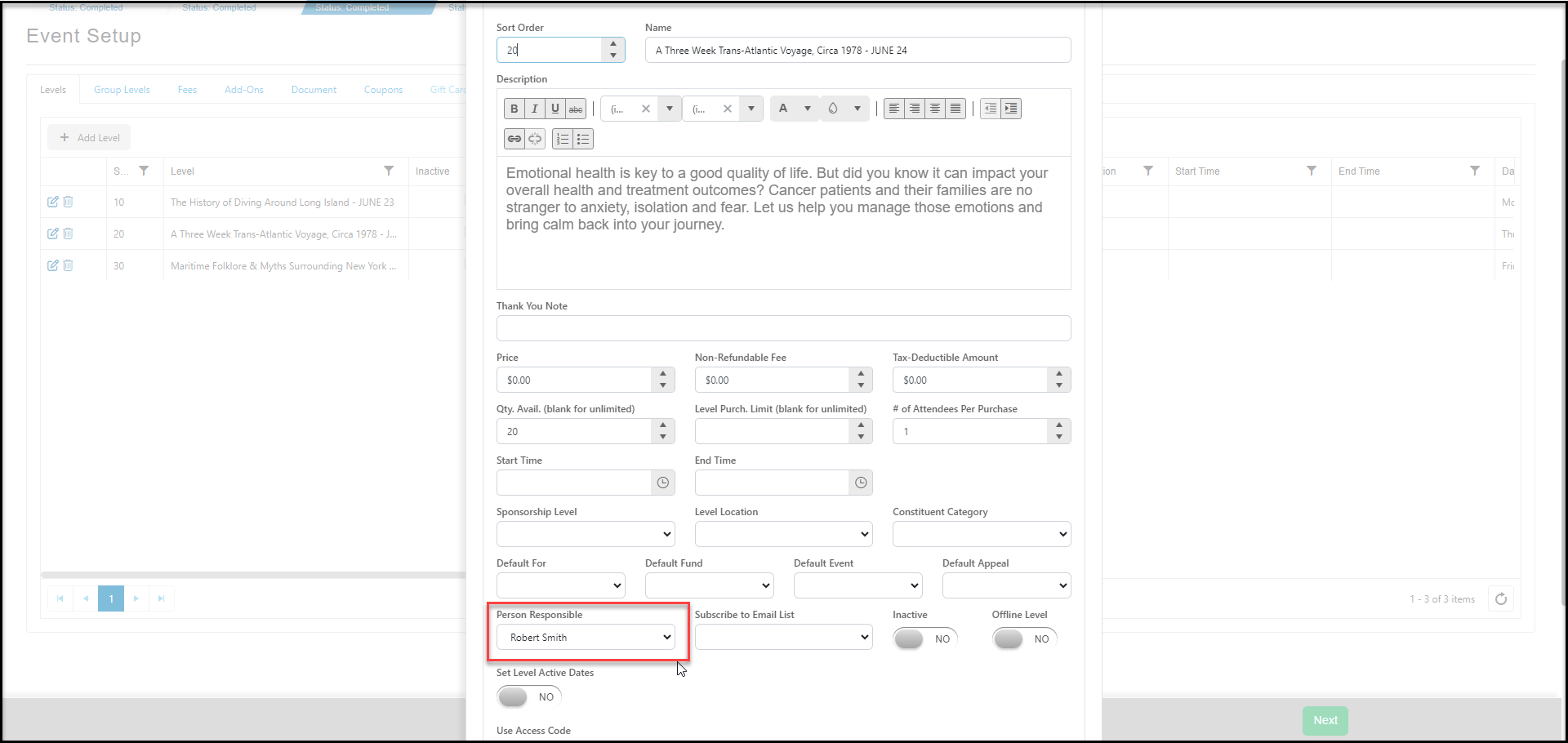
 This user will only be able to access the Event Attendance grid in the Events module and they will only be able to see those events and event levels which have been assigned to them under **Person Responsible** in the Event Setup.