# Can I disable an Auto Responder?
> Source: https://support.donorview.com/can-i-disable-an-auto-responder | Updated: 2026-07-07T17:29:46Z
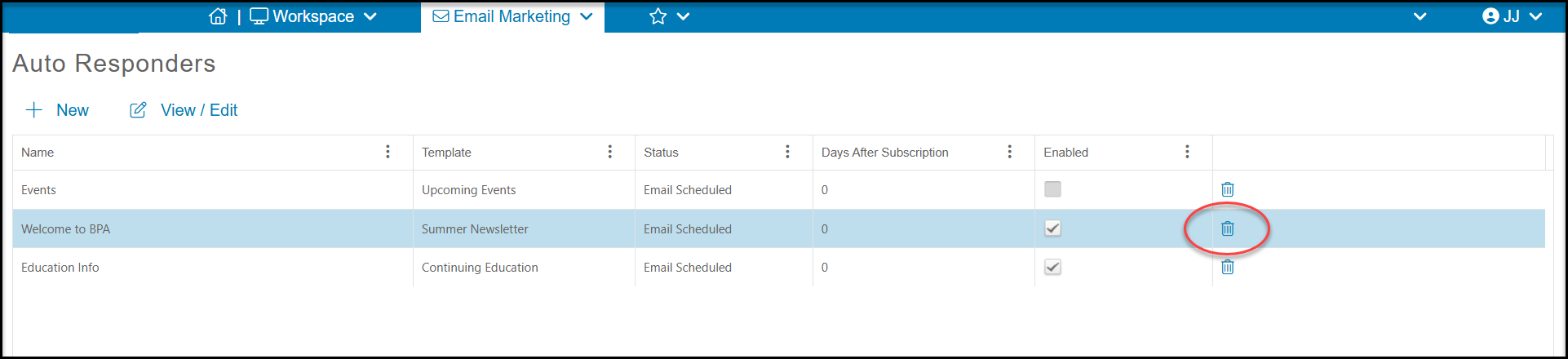
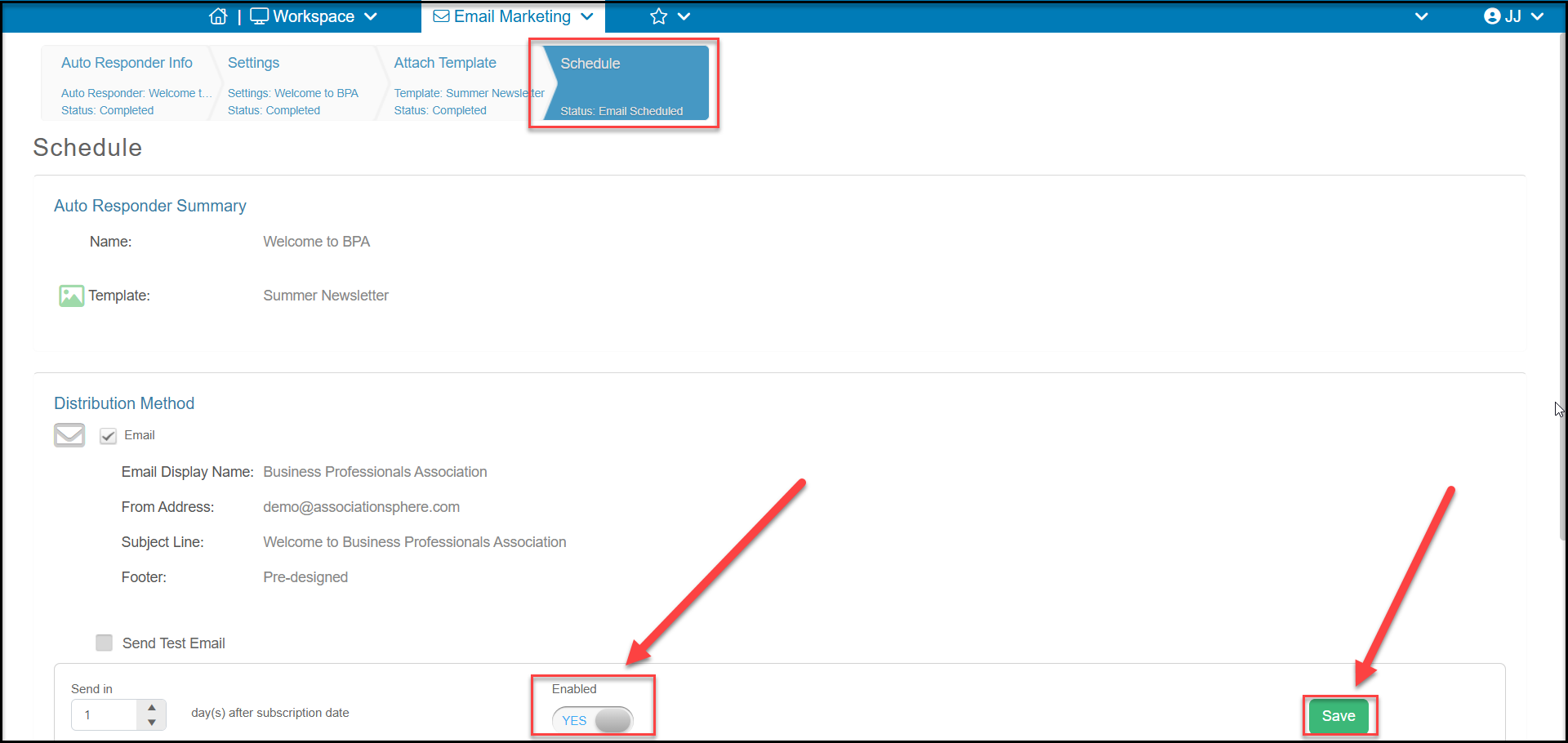
Yes, you can disable an autoresponder by selecting it to reveal the **View/Edit** option and then clicking on **Auto Responder**. This will open the set up wizard and you can set the **Enabled** toggle to **NO** to disable it. Click **Save** to save the changes and deactivate this auto responder. Can you come back and reactivate it anytime.
 You can also delete and auto responder by clicking on the trash can icon.