# Can I copy an existing School Year?
> Source: https://support.donorview.com/can-i-copy-an-existing-school-year | Updated: 2025-06-19T18:26:42Z
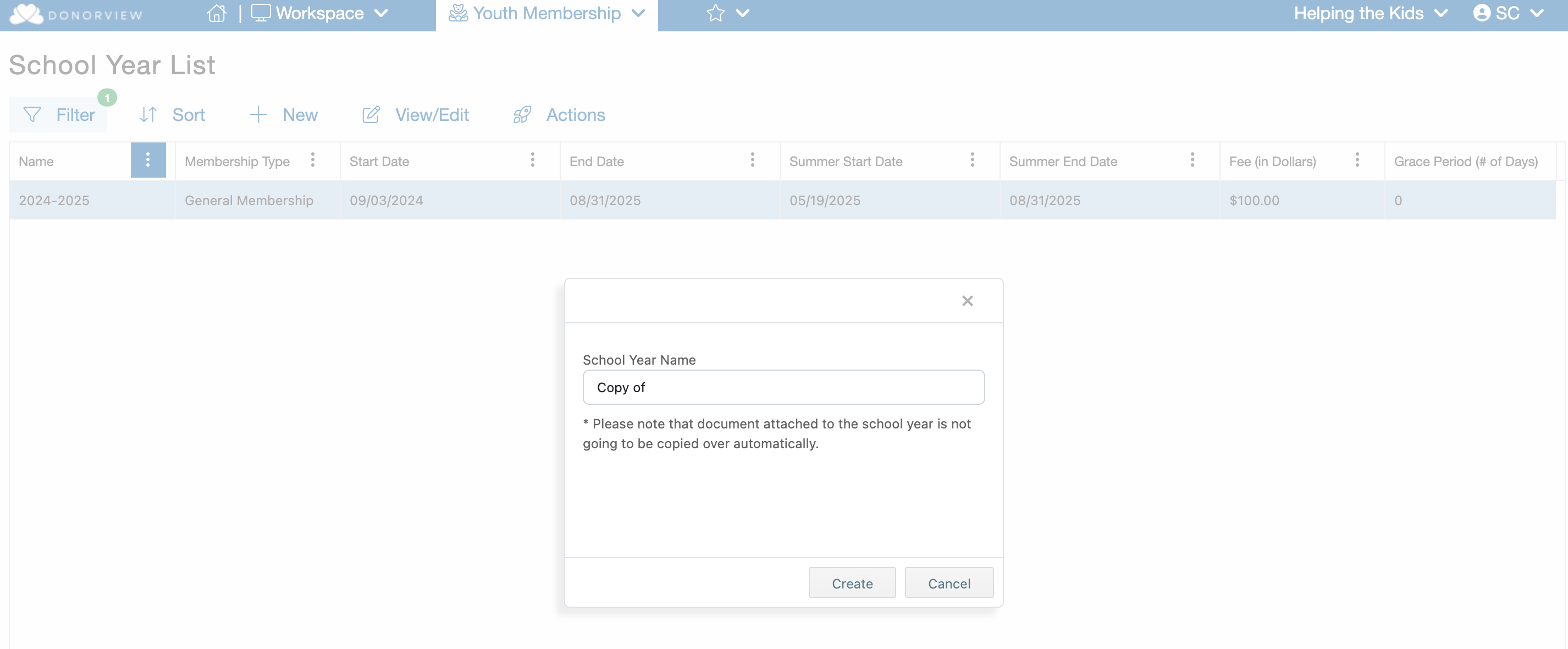
Yes, to copy a School Year go to the School Year List grid
and select the specific School Year. The row will highlight in blue. Then mouse over the "Actions" menu and click "Copy School Year".
 You will then be prompted to provide a name for the copy. Then click "Create" to generate the School Year copy.