# Can I change the name of an email template?
> Source: https://support.donorview.com/can-i-change-the-name-of-an-email-template-dv | Updated: 2026-07-08T14:17:32Z
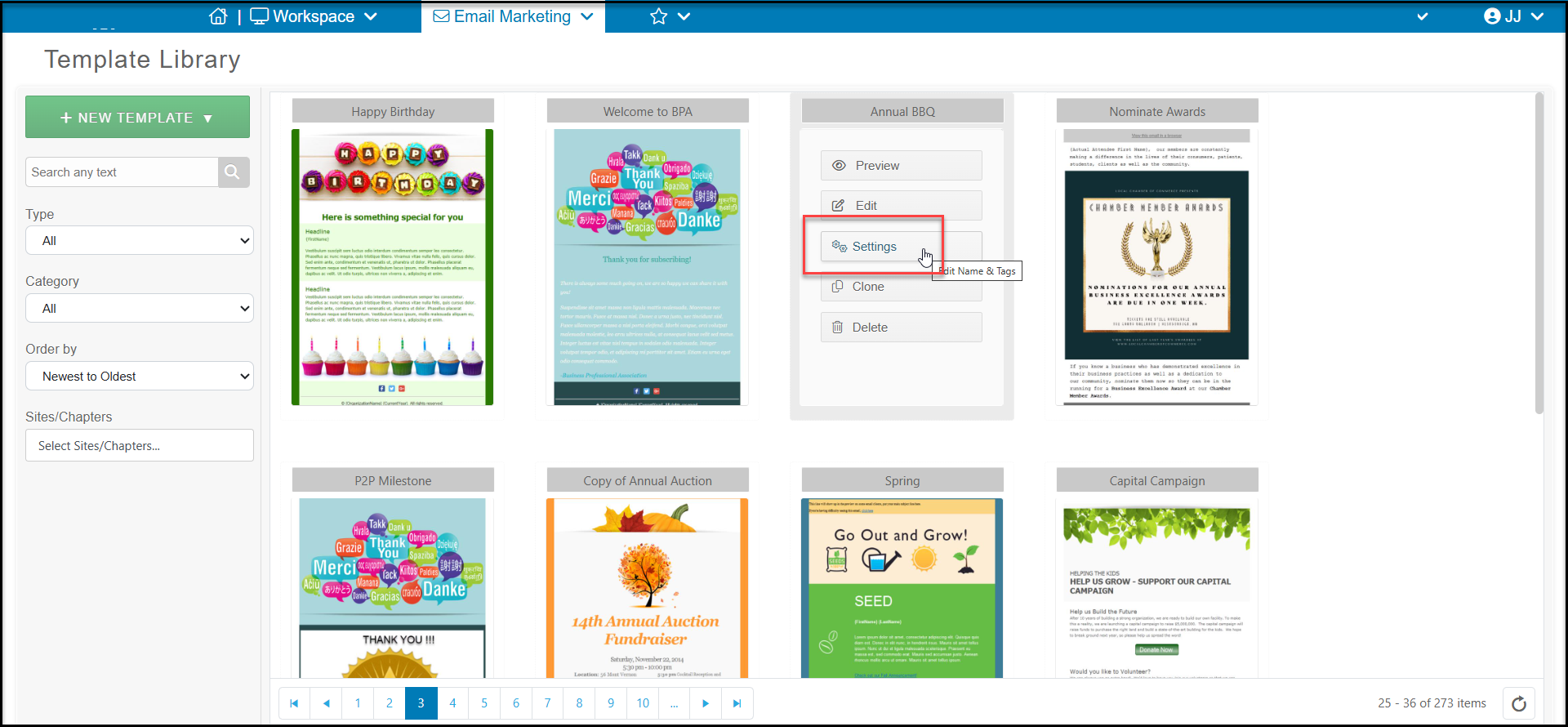
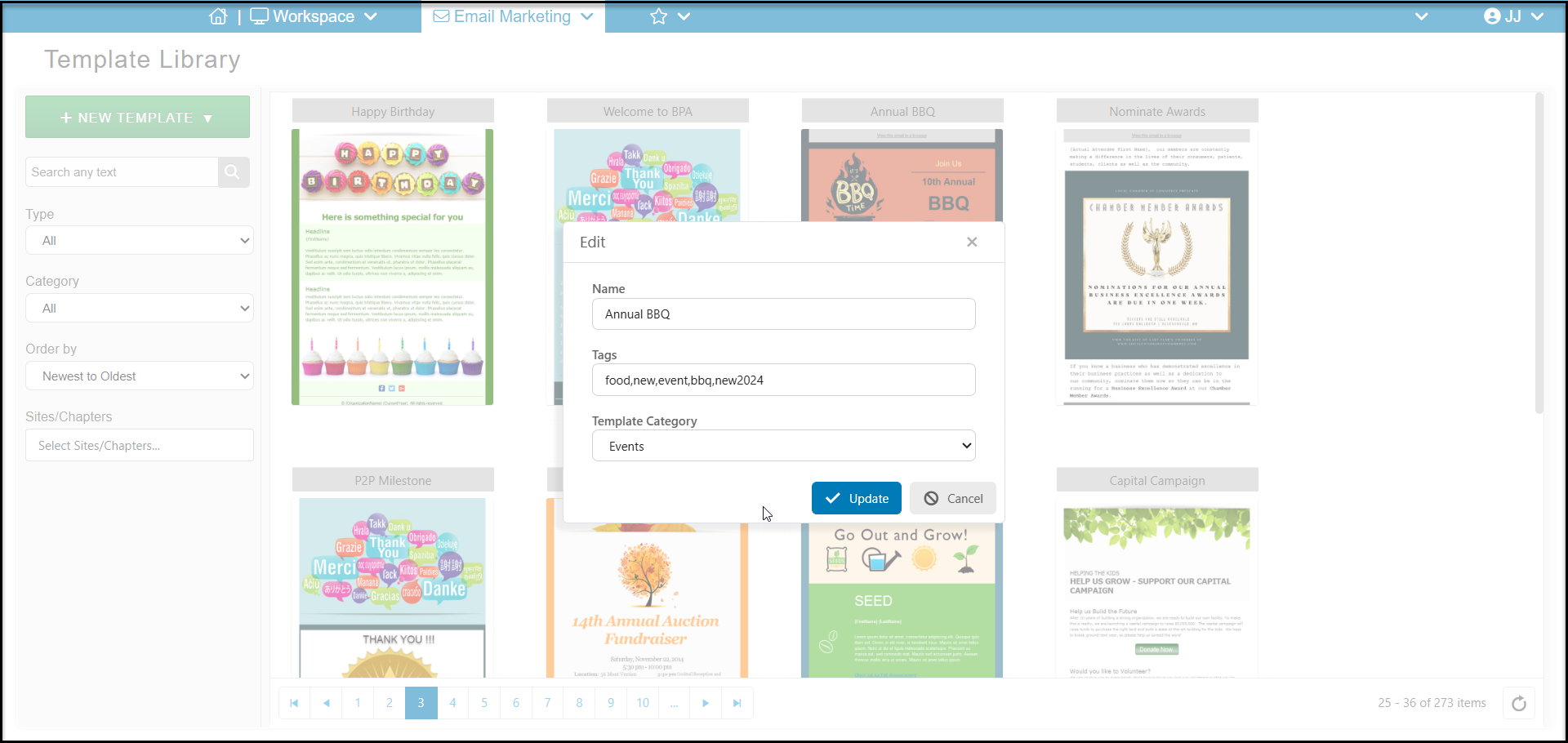
From a template you created or cloned from a predesigned template, hover over the image of the template and click **Settings.** A dialog box will open so that you can edit the name, tags, and category as desired. You cannot change the name of a predesigned template.
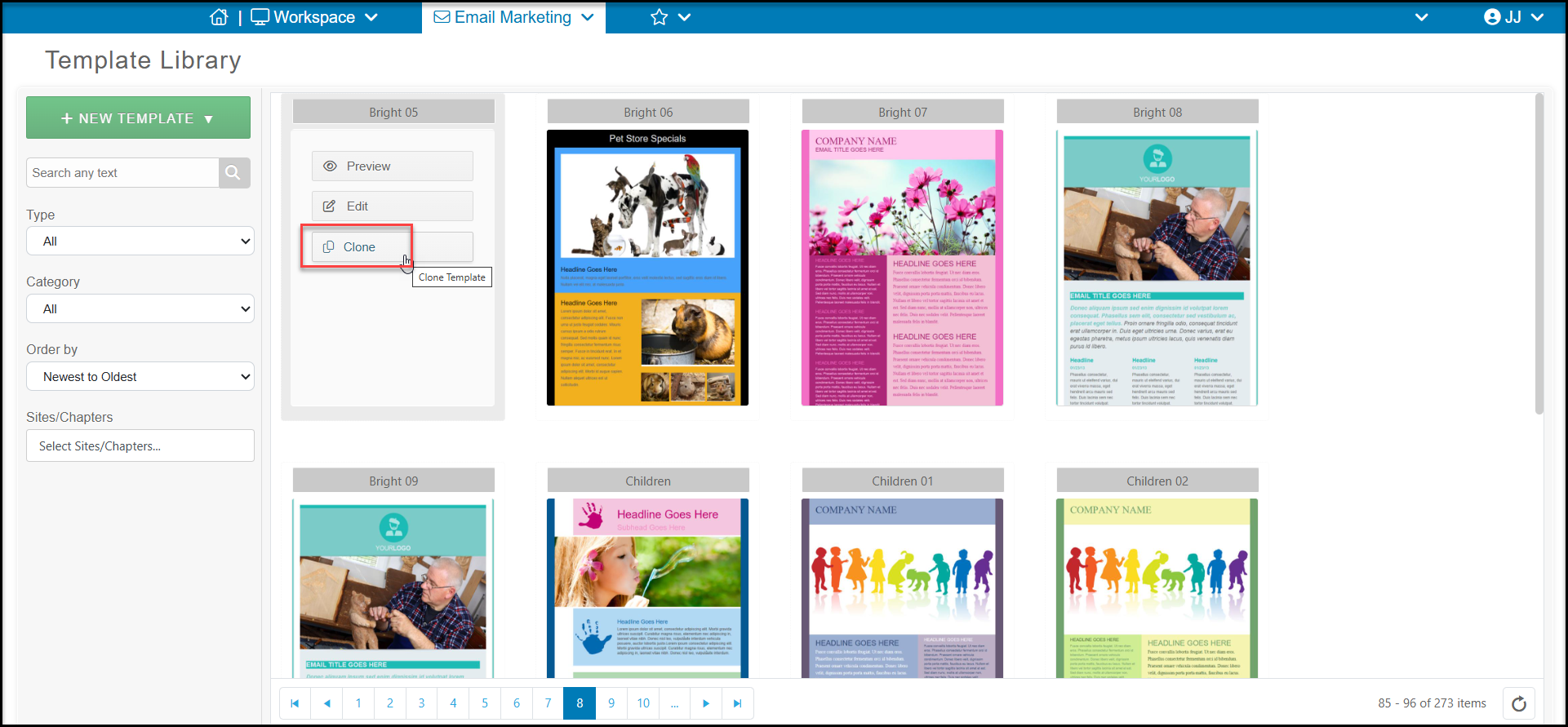
 If you would like to use a predesigned template, you can either **Clone** the template to save it under a new name or edit it and click **Save As** when you are finished editing. You cannot edit a predesigned template and save it under its original name.