# Additional Payment Methods
> Source: https://support.donorview.com/additional-payment-methods-dv | Updated: 2026-06-17T18:30:21Z
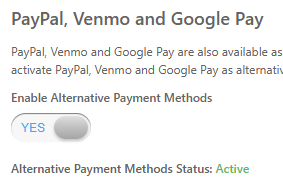
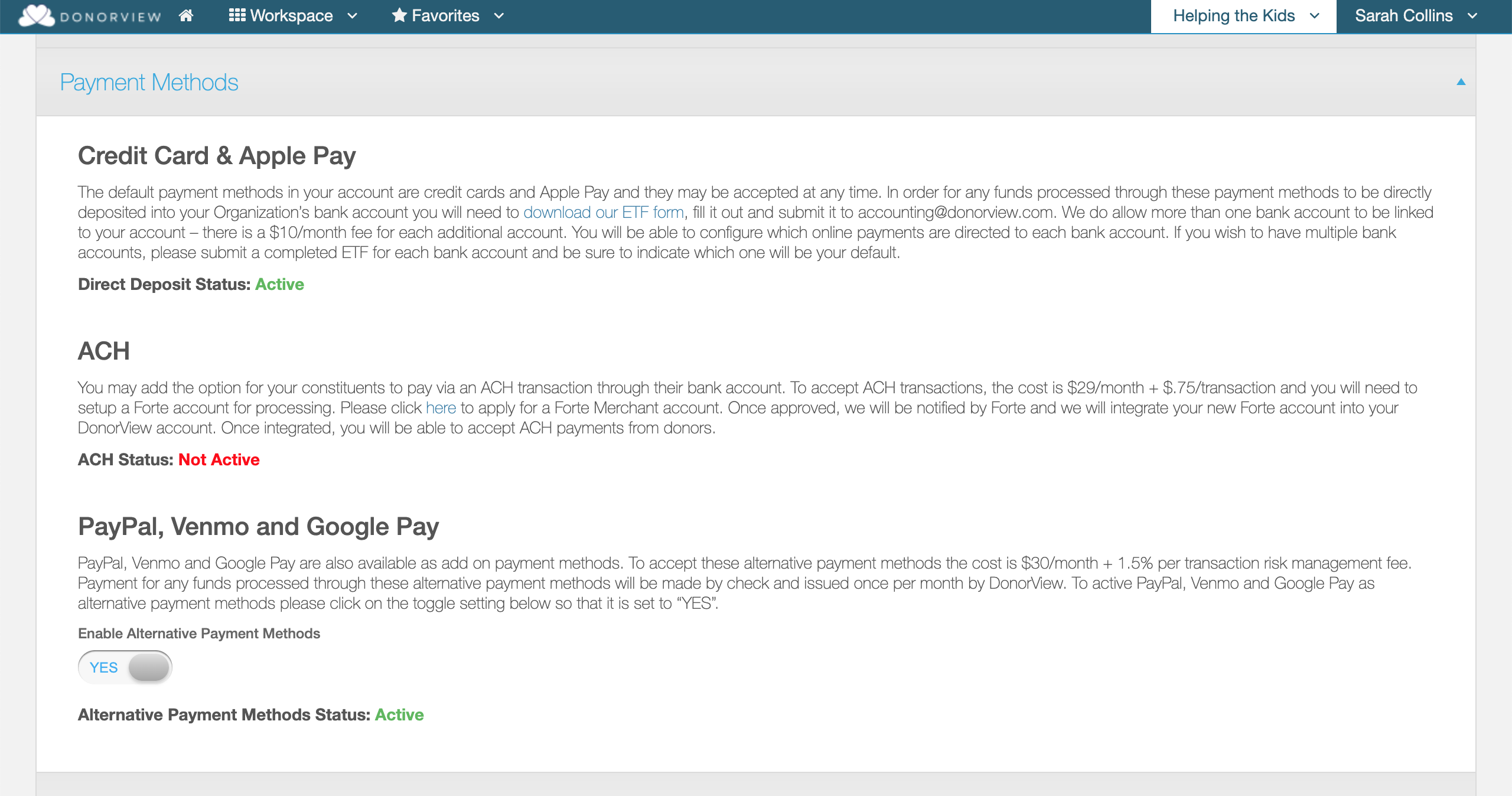
PayPal, Venmo and Google Pay are available as a bundle for additional payment methods that can be added to your Account. To accept these alternative payment methods, navigate to the account name menu, Account > Settings, Payment Methods section and set Enable Alternative Payment Methods to YES to accept.
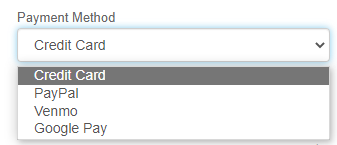
 These alternative payment methods will then be available for use on Online Donations as well as Event and General Membership Transactions. On each of those online forms, there will be a Payment Method dropdown just above the billing section where the Constituent can select their desired payment method.
 **NOTES:**
**No additional setup is required.** Constituents will now have the ability to select an additional payment method and use their PayPal, Venmo, or Google Pay account, instead of a credit card, to pay their donation, event, or membership transaction.
**NOTES:**
**No additional setup is required.** Constituents will now have the ability to select an additional payment method and use their PayPal, Venmo, or Google Pay account, instead of a credit card, to pay their donation, event, or membership transaction.
 **The table below shows when the additional payment methods are available on the online pages.**
| | | | |
| --- | --- | --- | --- |
| | **Available on** | | |
| Payment Method | Page | Embedded Page | Recurring Donation |
| Apple Pay *(1)* | Y | na | Y |
| Google Pay | Y | na | Y |
| Venmo | Y | na | na |
| PayPal | Y | na | Y |
| | | | |
| *(1)* Only available on an Apple device | | | |
**The table below shows when the additional payment methods are available on the online pages.**
| | | | |
| --- | --- | --- | --- |
| | **Available on** | | |
| Payment Method | Page | Embedded Page | Recurring Donation |
| Apple Pay *(1)* | Y | na | Y |
| Google Pay | Y | na | Y |
| Venmo | Y | na | na |
| PayPal | Y | na | Y |
| | | | |
| *(1)* Only available on an Apple device | | | |